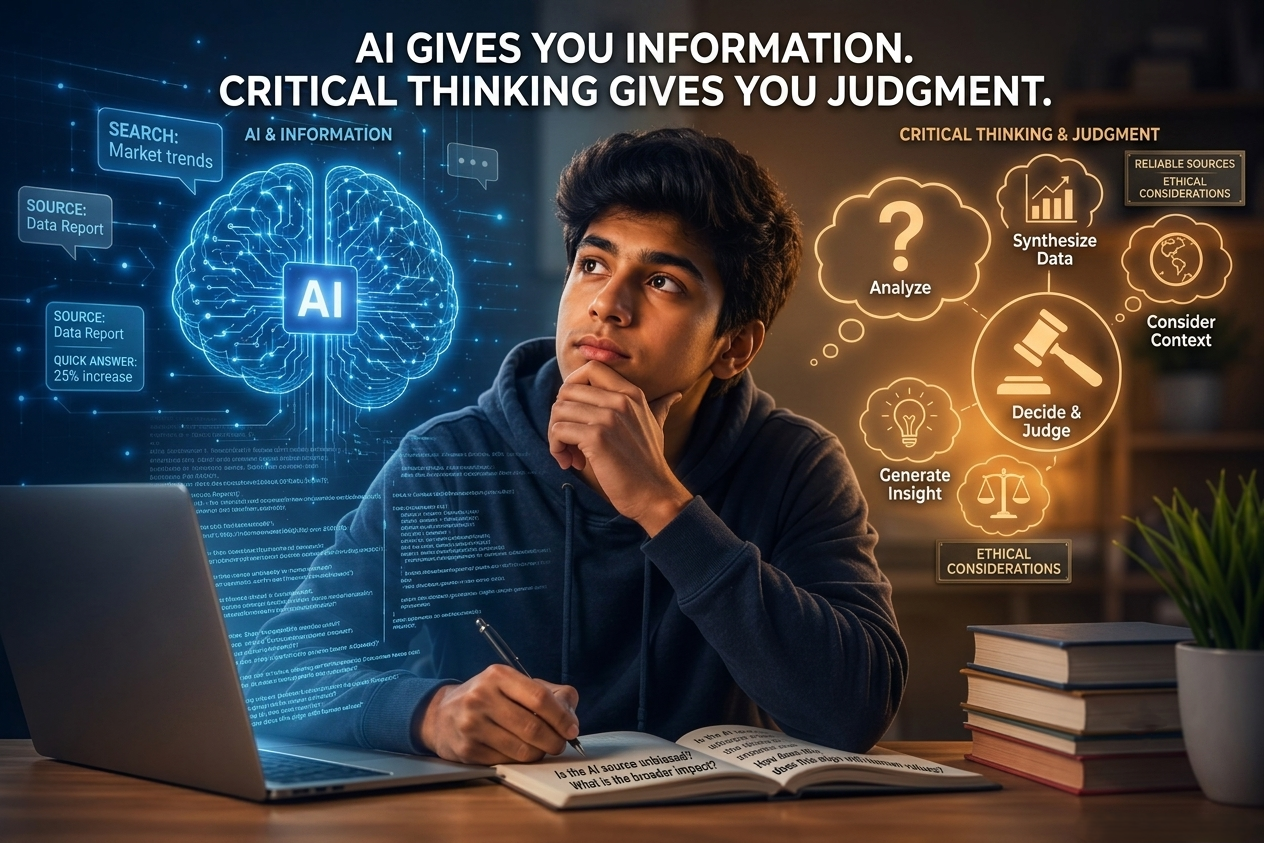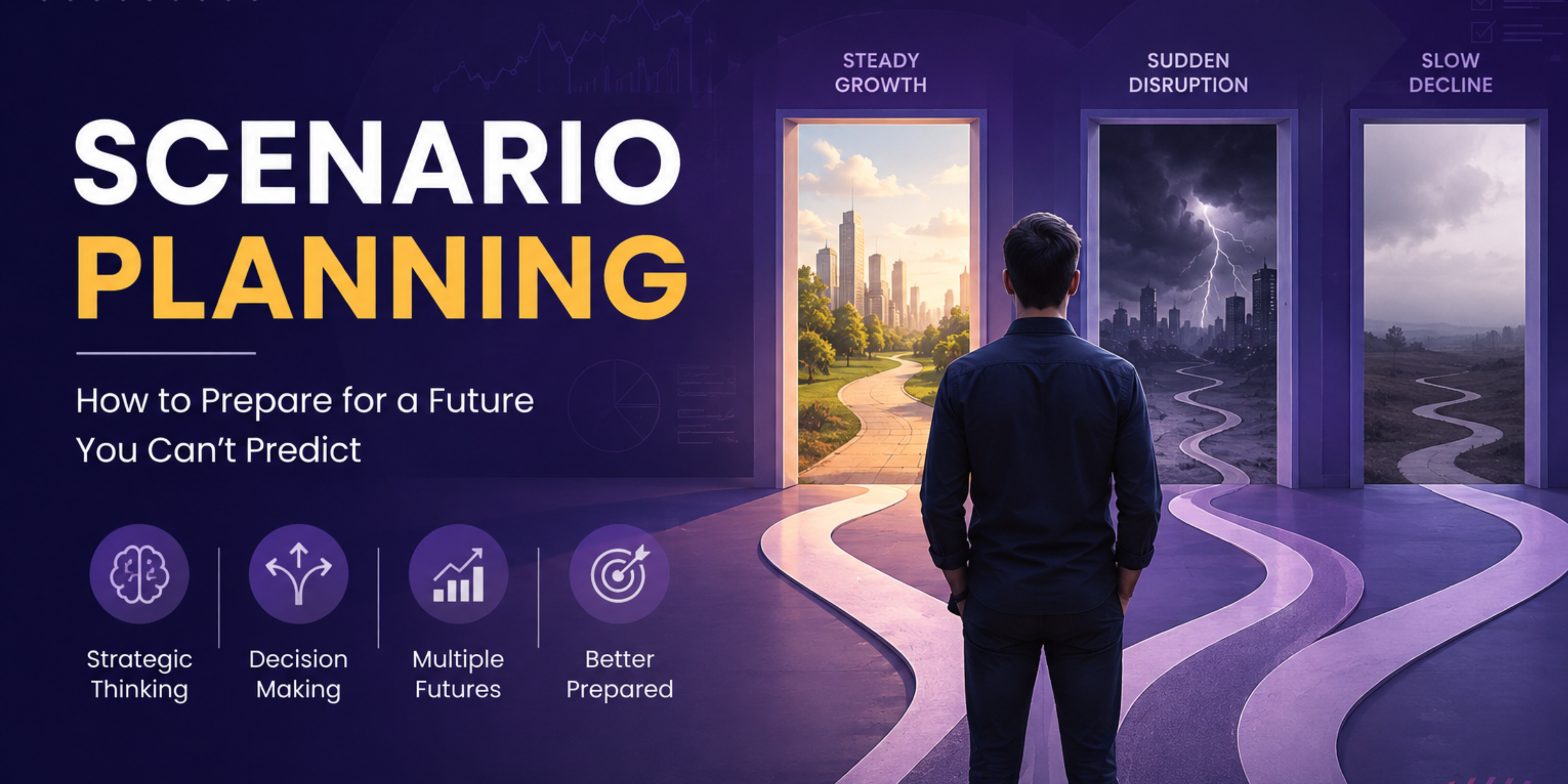
Visual Learning Made Easy:
Master Concepts with Graphic Organizers

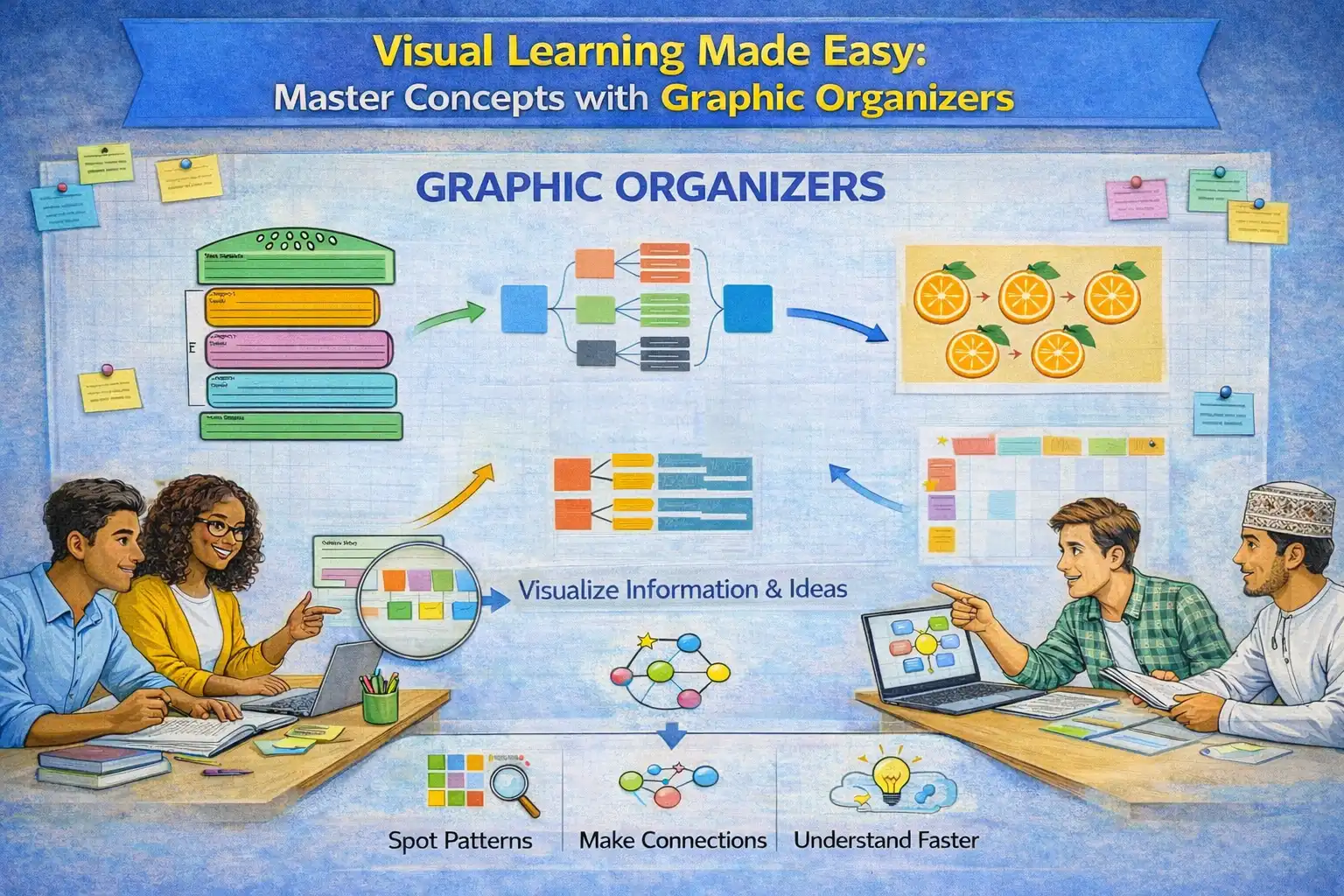
Turn ideas into clear visuals with graphic organizers & visualizations using charts and diagrams. Spot patterns, make connections, and understand concepts faster. Learning becomes visual, organized, and easy to remember.

Try for Free

What Is the Graphic Organizers & Visualizations Method?

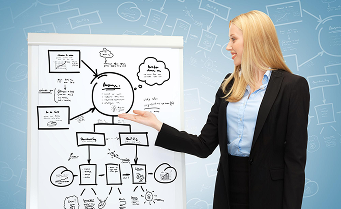
The Graphic Organizers & Visualizations method uses charts, diagrams, and mind maps to turn complex information into easy visuals. It converts dense content into clear learning images and learning pictures. Visual learning methods are widely used. Graphic organizer examples include a timeline of historical events. Visual learning examples and visual learning techniques organize knowledge.

Try for Free

How Do Graphic Organizers & Visualizations Boosts Learning?

Visual tools enhance learning by making complex topics clearer, easier to remember, and more engaging. Key benefits include:

Improves Clarity of Information

Visual learning simplifies concepts by showing structure, connections, and patterns, helping learners understand the big picture without losing important details.

Boosts Memory and Recall

Learning images and learning pictures create strong visual cues, making it easier for learners to recall information during exams or practical applications.

Encourages Active Learning

Designing charts, maps, or diagrams moves learners from passive reading to active engagement. These visual learning techniques encourage analyzing, organizing, and connecting ideas.

Supports Problem-Solving

Flowcharts and process diagrams break down procedures into steps. By visualizing processes, learners can think critically and solve problems effectively.

Saves Study Time

Instead of rereading pages of text, learners can glance at graphic organizer examples to quickly recall entire chapters or complex topics.

Builds Communication Skills

Visual tools help learners present ideas clearly, whether in classrooms, group discussions, or professional settings.

How Does the Graphic Organizers & Visualizations Method Works?

This method works by turning complex text and ideas into clear visual learning representations. Here’s how it works:

  • Identify Key Concepts

    Choose the main ideas, supporting points, or important details to represent visually.

  • Choose the Right Visual Tool

    Select from charts, diagrams, flowcharts, mind maps, or tables based on the information type.

  • Map Ideas Visually

    Place main concepts in boxes, circles, or nodes, then connect related ideas using arrows or lines.

  • Arrange Connections Logically

    Ensure that relationships between ideas are clear and easy to follow.

  • Review and Refine

    Check for missing links, unclear connections, or redundancies and adjust for clarity.

How YMetaconnect Enhances This Learning Method

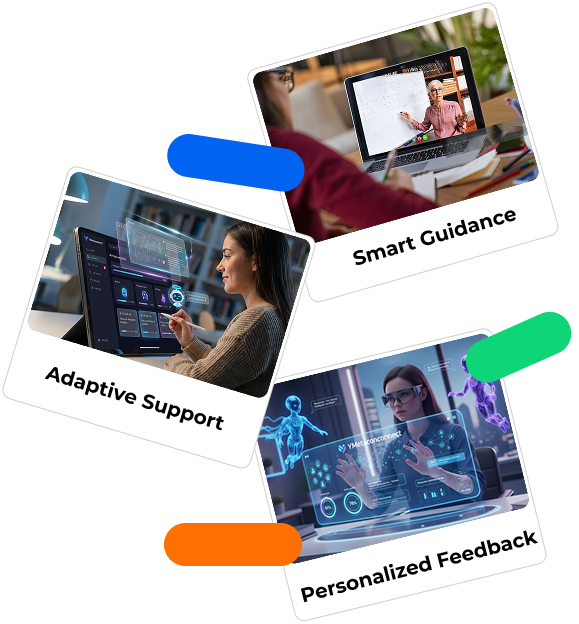
YMetaconnect strengthens visual learning methods by helping learners plan, create, and refine visual representations systematically. Here’s how YMetaconnect supports this method:

  • Method Selection by RAR AI

    When informational content is uploaded, YMetaconnect’s RAR AI reviews the material along with learner inputs. Based on content type, difficulty level, learning style, and language proficiency, the platform selects graphic organizers and visualizations as the most suitable method.

  • Automatic Graphic Organizer Generation

    Once the method is selected, RAR AI analyzes the content and generates appropriate graphic organizers such as KWHLAQ charts, diagrams, or visual layouts. These visual learning techniques help structure information in a clear and easy-to-understand format.

  • Understanding the Method Choice

    Along with the visual output, RAR AI explains why graphic organizers and visualization were chosen for the content. This helps learners understand when this approach works best and how it supports learning.

  • Applying Visual Frameworks

    The generated graphic organizers act as a foundational visual framework for individual and group activities such as inquiry projects, presentations, and research reports.

  • Reflection for Visual Skill Development

    Finally, AI encourages learners to reflect on how they used the graphic organizer and identify ways to improve their visual learning and organization skills.

Our Latest Blog

View all

Universal Design for Learning (UDL): Meaning, Principles, and Benefits

Walk into any classroom, and you will notice one thing immediately. Every student learns a little differently. Some students understand quickly through visuals. Others prefer...

YMetaconnect

19 Mar 2026
Read More

Effective Teaching Strategies & Techniques

Think about the teachers you remember the most. Chances are, they were not just explaining lessons from a book. They made the class interesting by...

YMetaconnect

19 Mar 2026
Read More

CBSE vs ICSE vs State Board

Every parent has to go through a phase of confusion regarding which board to choose for their child: CBSE, ICSE, or State Board. Initially, it...

YMetaconnect

17 Mar 2026
Read More

Kinesthetic Learning Style: Definition, Key Characteristics, and Benefits

Have you ever noticed that there are students who don’t seem to understand something until they try it out? They may be distracted during the...

YMetaconnect

17 Mar 2026
Read More